
The file is only the starting point
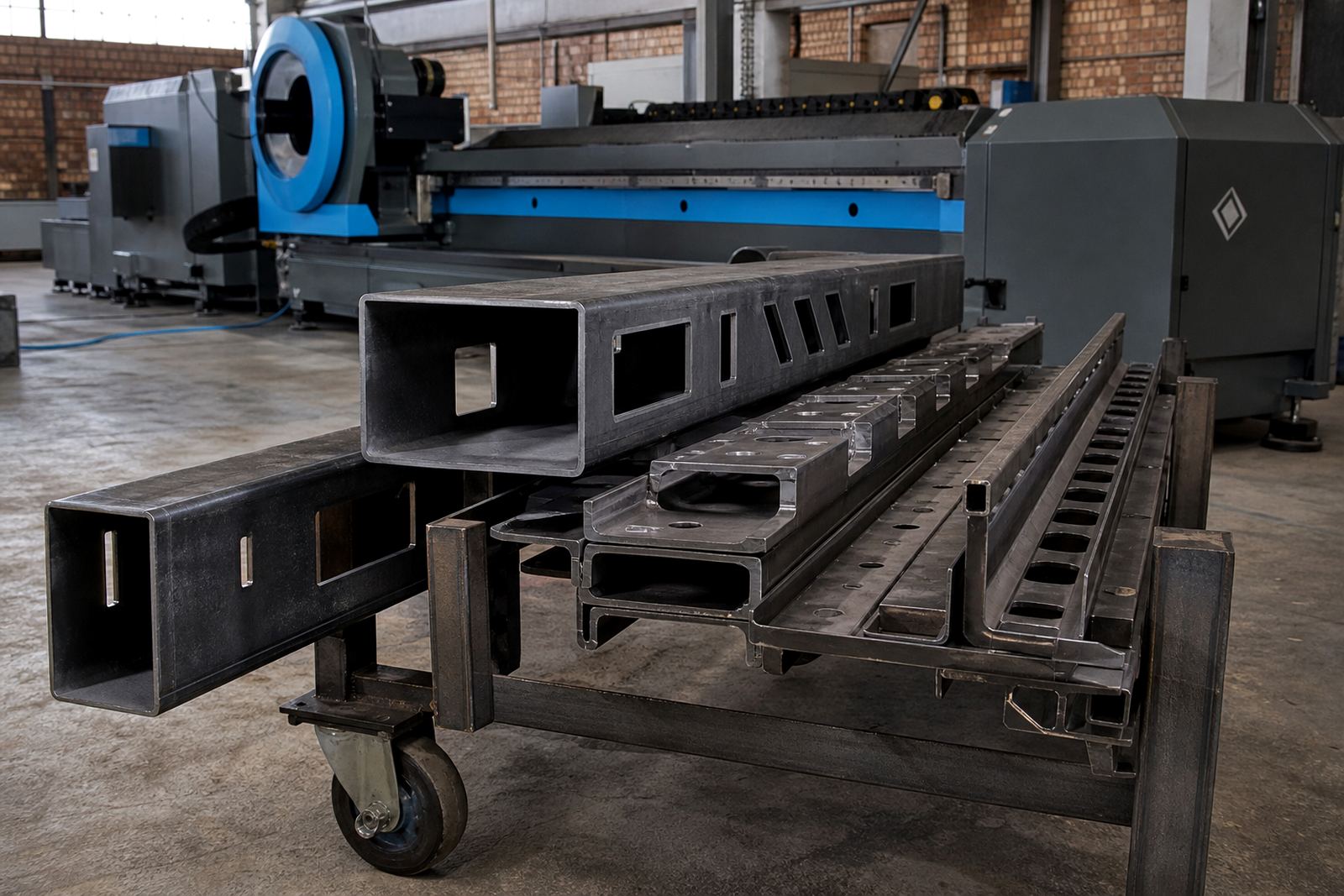
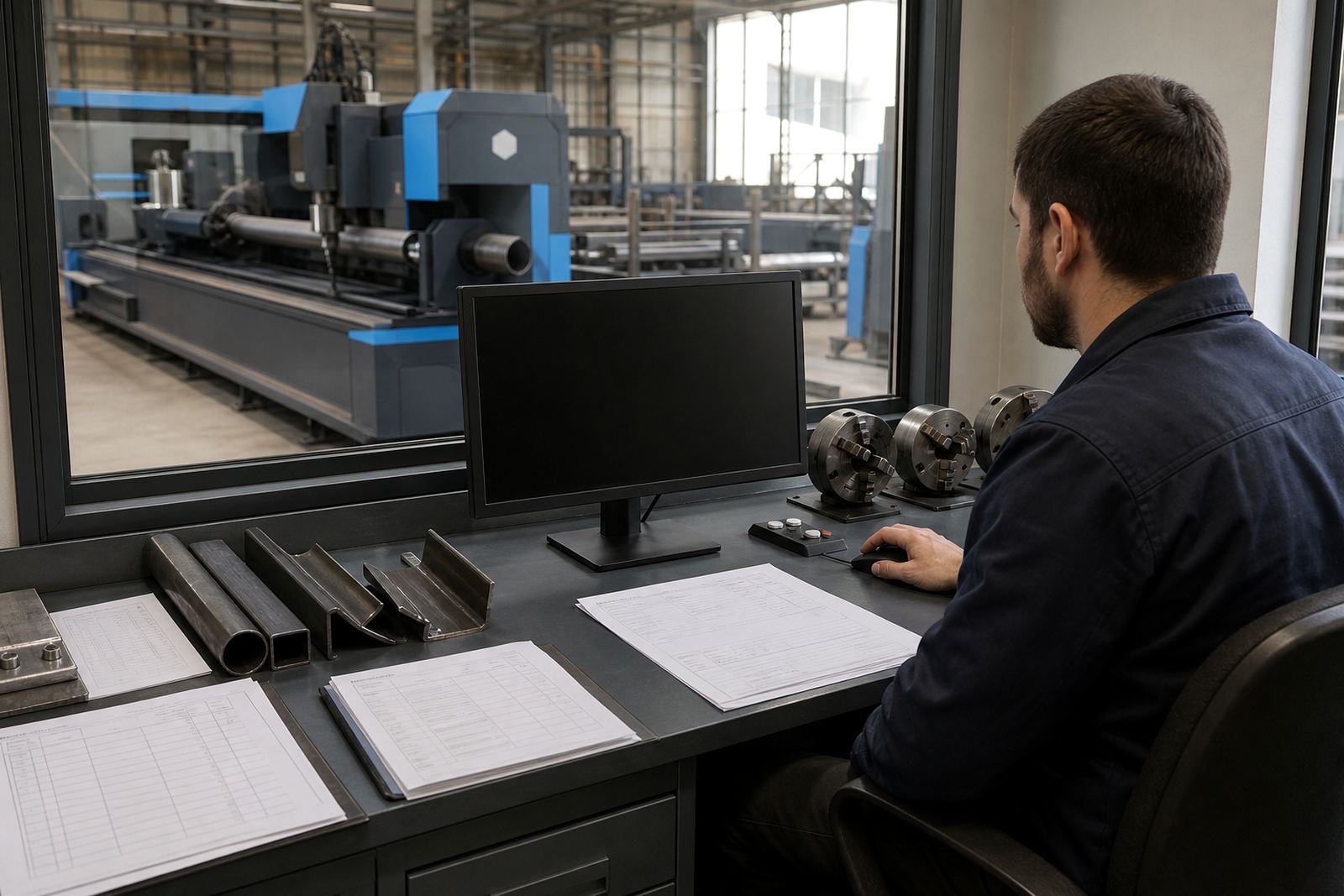
A tube cutting job usually begins with a drawing, a customer sample, or a flat pattern that still needs real-world checks. Software then turns that information into tool paths for round tube, square tube, rectangular tube, angle and channel, while also allowing for material wall thickness, kerf, clamp positions and the order in which each cut is made.
On a practical job, the programme has to suit the machine as much as the part. A neat drawing can still fail if it ignores the chuck range, the length of the stock, the slot for a bevel cut, or the fact that a profile with heavy burrs may need a different lead-in. That is where careful setup saves time later and reduces scrap.
Nesting that respects tube length and offcut value
Nesting for tube and profile work is not the same as sheet nesting. The software has to think in metres, not just sheets, and it must place parts so the clamp, tail support and residual offcut all still make sense on the machine bed. Good nesting also keeps part orientation sensible, especially when several holes, mitres or notch cuts sit close together.
- Match stock lengths to the cutting list before nesting starts.
- Keep hold points clear where the chuck grips the tube.
- Group similar wall thicknesses where the cut quality stays consistent.
- Leave usable offcuts where smaller brackets or spacers can still be cut later.
For a fabrication shop in Wadeville working on railing frames and handrail posts, that detail can mean fewer short ends piled in the corner and more material used in a second or third run. It is boring work on paper, but it matters on the floor.
From geometry to cut order
The best programme does more than draw a path. It sets the order of cuts so heat movement, part drop out and edge finish all stay under control. On tube, the sequence matters because a cut on one side can shift the part before the last feature is finished, especially on lighter wall sections.
Operators also need to think about features that look small on screen but are awkward on the machine. Internal holes near the end of a tube, slots for gussets, or a mitre that meets a channel face all need a sensible lead-in and a clean exit point. If the order is wrong, the finished piece can still need hand dressing, which wastes the point of laser cutting in the first place.
Bevel heads and the programme behind them
When bevel cutting is part of the job, the programme has to carry more than a 2D outline. Angle changes, joint preparation and the direction of the bevel all need to be written into the cutting routine so the machine knows what to do before the head moves into position. That is especially useful on weld prep for structures, frames and pipe-like assemblies where fit-up has to be controlled.
A bevel programme should be checked against the real part, not only the screen view. A slight error in angle or orientation can spoil a weld edge on a long run of parts. For a plant in Pretoria cutting repetitive frame members, that means one bad setting can travel through many parts before anyone notices, so the verification step is worth the time.
Gas settings and cut quality are part of the same routine
Assist gas selection sits inside the same programme logic, even when the machine handles the valves and pressure control separately. The programme has to suit the material, thickness and cut edge that the client expects. A fine, clean edge on thin tube needs a different approach from a heavy section that needs more force to clear molten material from the cut zone.
- Check whether the part needs oxygen, nitrogen or another gas approach.
- Set pierce time to match wall thickness and edge condition.
- Balance speed so the cut stays clean without leaving dross.
- Cut one sample part first, then approve the rest of the nest for production.
Those settings also affect operating cost. A programme that overuses gas or runs too slowly can turn a good machine into an expensive one very quickly, and nobody in a production shop wants that.
Training turns software into shop-floor habit
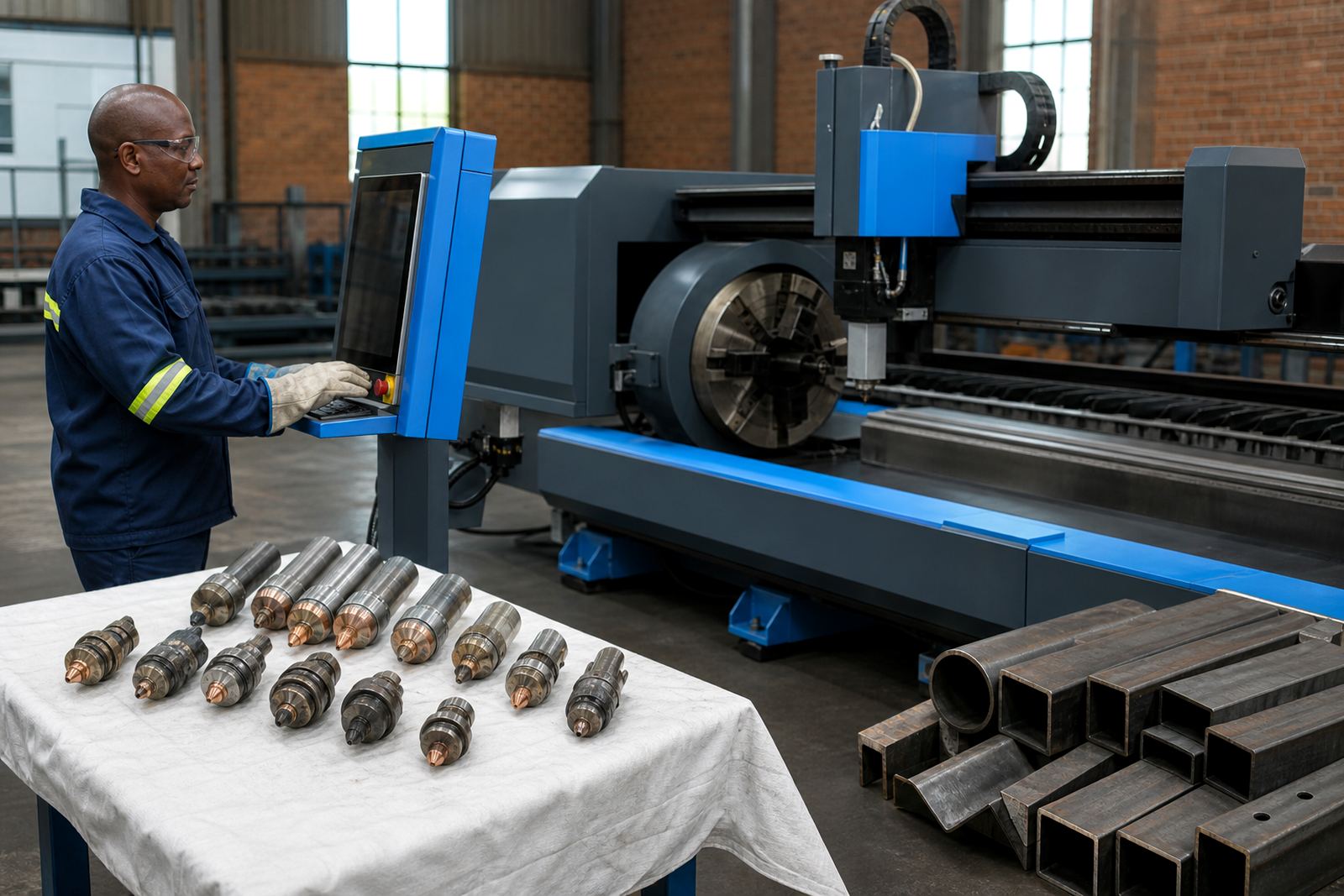
Software brings value only once the team can use it properly during live production pressure. Training has to cover programme setup, simulation, nesting checks, part naming, and what to do when a job needs a small change after the drawing is already loaded. The best operators learn to spot clamp clashes, misread datums and awkward cut directions before the cycle starts.
At LaserTube, that usually means working through the actual parts a shop cuts most often, not just a tidy sample file. A team in Durban may need a different routine from one in Gqeberha if the mix of tube sizes, weld prep and repeat batches is not the same. The software is the same class of tool, but the shop habits around it are not.
Wadeville frame cutting from file
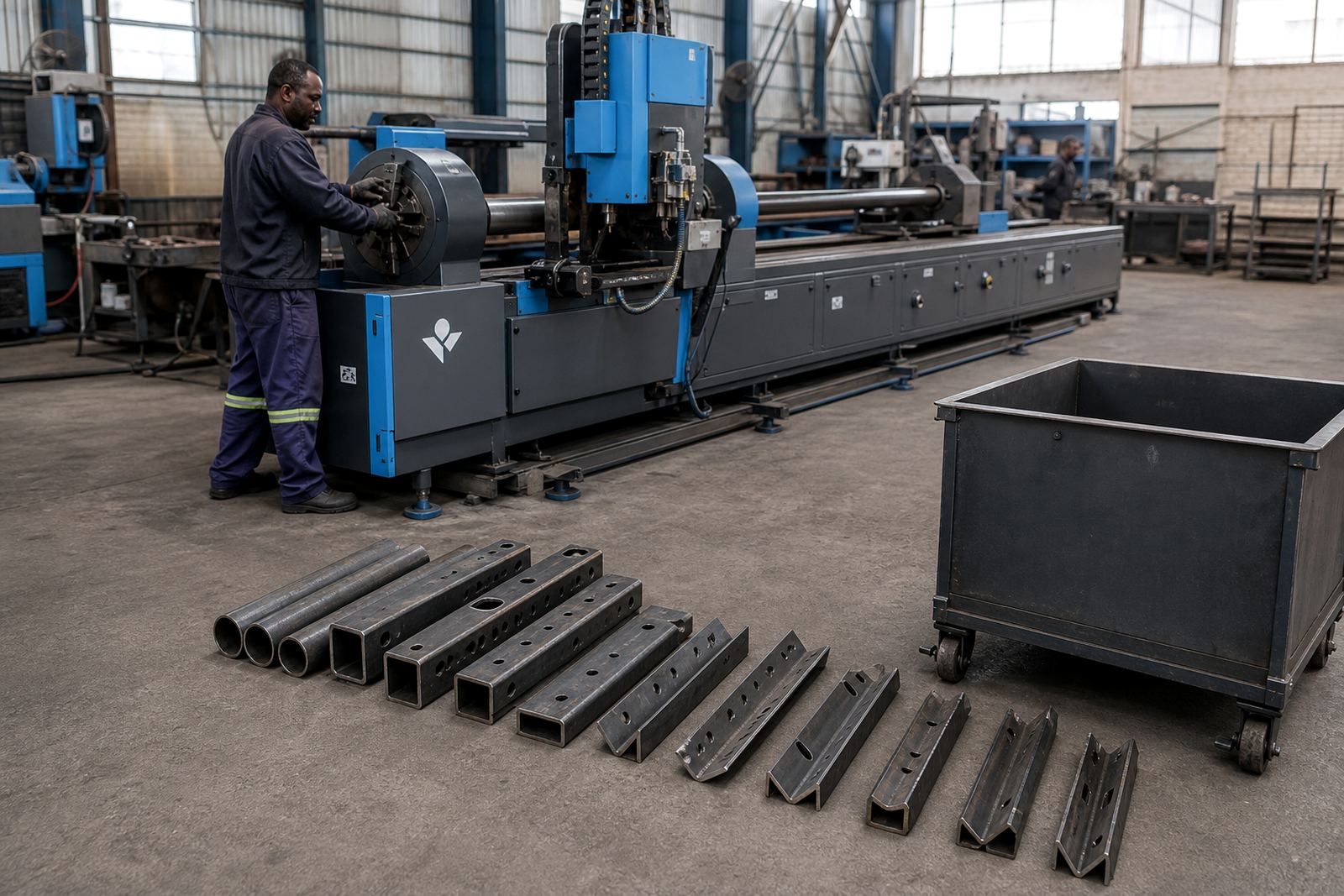
Take a local fabricator in Wadeville cutting mild steel tube for security frames, shop fittings and small machine guards. The job list includes square tube lengths, a few angle braces and one channel member with mitres at both ends. The drawing arrives as a mix of sketches and dimensions, so the programme has to be built carefully before the first cut is made.
The operator loads the part data, checks nesting against stock length, confirms the clamp point, then runs a simulation to look for clashes around the chuck and tail support. After that, the first part is cut and inspected for fit, bevel angle and edge finish. If the programme needs a tweak, that change is made before the rest of the batch goes through. That kind of routine sounds plain, but it keeps a shop from chasing mistakes through an entire run.
For fabricators serving Johannesburg, Pretoria, Durban, Cape Town or Gqeberha, the same principle holds. A solid programme is not just a file. It is the bit that connects the drawing office, the machine and the weld table without wasting material.