
Getting the job into a workable nesting file
Good nesting starts with the drawing files and the cut list in the right shape. We help your team separate tube lengths, section sizes, material grades and hole patterns so the programme matches the stock on hand. That matters on repeat work, where one wrong length can throw out the whole batch.
Where jobs use mixed sections, we check how the parts sit on the tube or profile, then set the cut order to reduce collision risk and unnecessary movement. If your team runs frequent orders for brackets, frames, rails or support members, the nesting file needs to keep the machine busy without wasting sound material.
- Sort parts by section type, length and wall thickness.
- Keep the cut list tied to the material being loaded.
- Separate first-off pieces from repeat pieces before nesting.
- Mark any parts that need bevel cuts or special end preparation.
Using remnants without losing track of the stock
Remnant use is where many workshops lose time. Offcuts are useful only when the team knows the remaining length, the section size and whether the remnant is straight enough for the next job. We help build a practical remnant system that suits the way tube and profile stock is handled on the floor.
For South African fabricators working in Germiston, Pretoria or Durban, stock can move between jobs quickly, so clear records matter. A remnant that looks usable may still be too short after allowing for chuck grip, cut clearance and the part length. We help set a rule for what gets tagged, stored and pulled back into the nesting queue.
- Record the usable length after each cut.
- Keep same-section remnants together, not mixed by eye.
- Allow for chuck grip and trim loss before nesting a part.
- Flag bent, scored or heat affected stock for review.
Repeat jobs need the same programme logic every time
Repeat work should not force the operator to rebuild the whole file. We help prepare programme structures that hold the cut sequence, pierce points, lead-ins, part labels and part count for jobs that return in batches. That helps when a workshop is cutting frames, balustrade members, machine parts or structural sections in sets.
For planned repeat batches, the software setup should also protect the original part geometry. If one dimension changes, the team needs to know exactly which programme, which remnant length and which machine setup was used. A tidy file structure saves confusion when the next batch reaches the table.
We also help set naming rules that make sense to the operator and the planner. File names should show the section type, wall thickness, job number and revision so no one opens the wrong version during production.
Bevel cuts, chuck setup and software checks before cutting
Where the job calls for bevel heads, the software and the machine setup must agree on angle, direction and part orientation. A mismatch can leave a part ready on paper but wrong on the machine. We work through those settings with your team so the programme reflects the actual cut path.
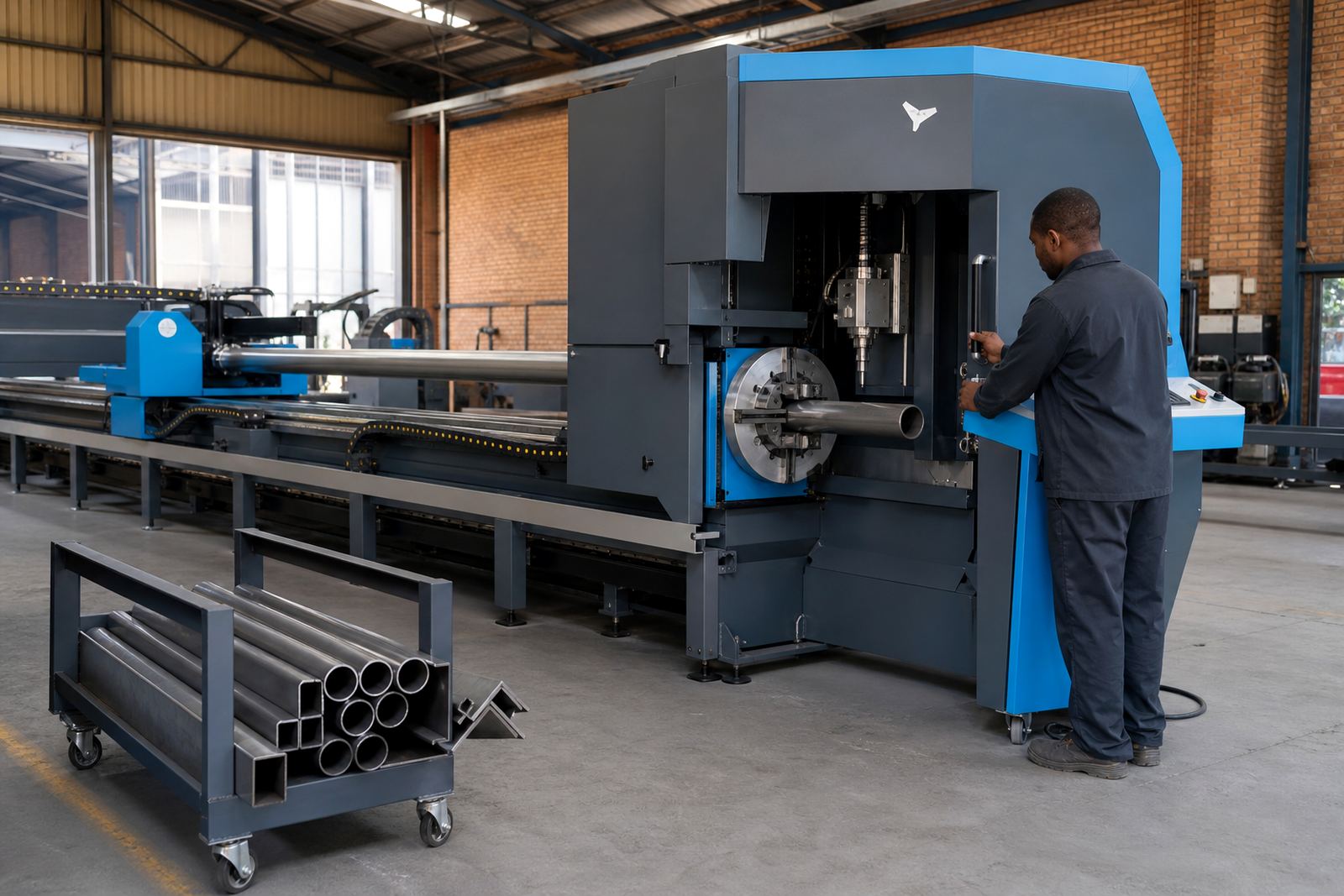
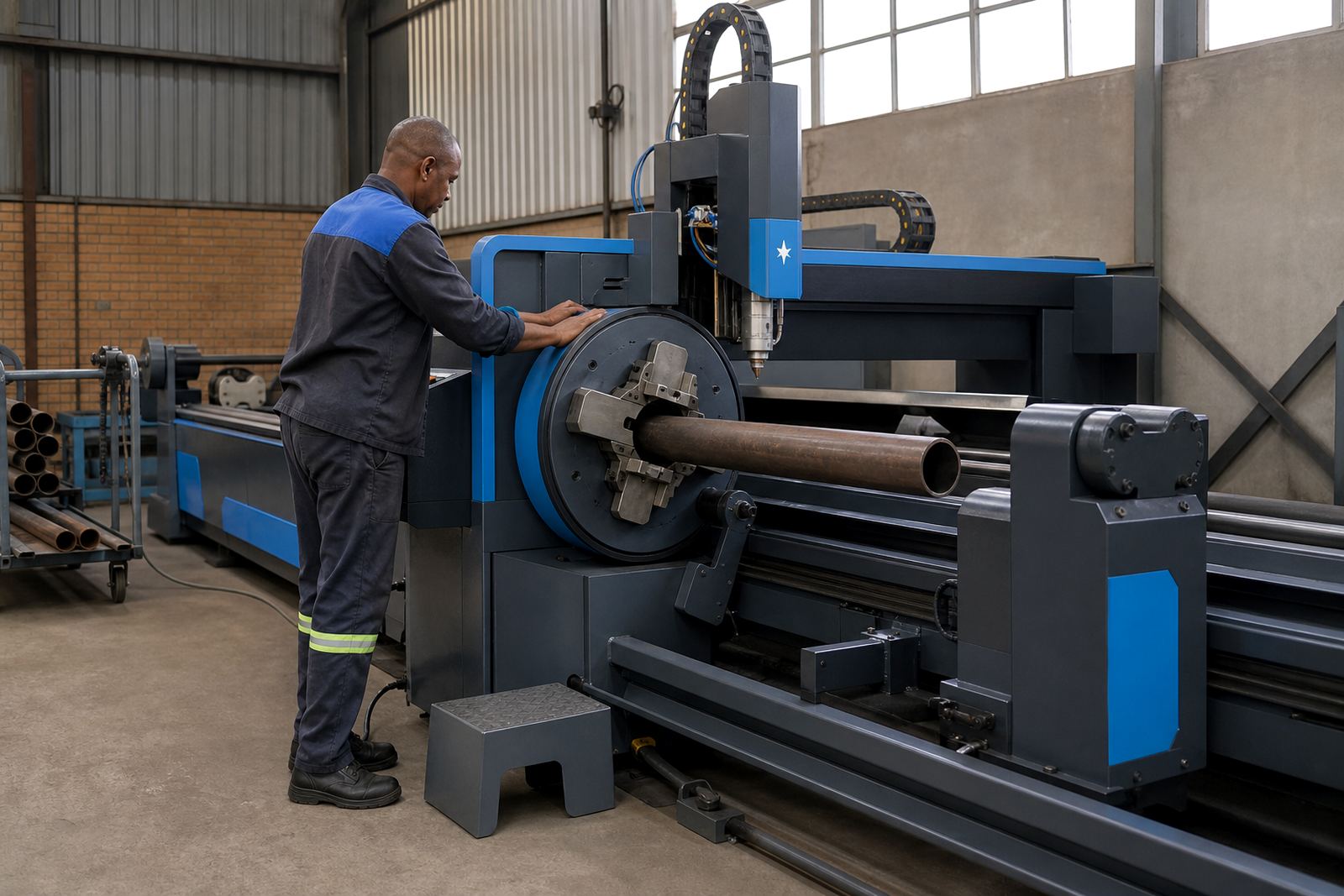
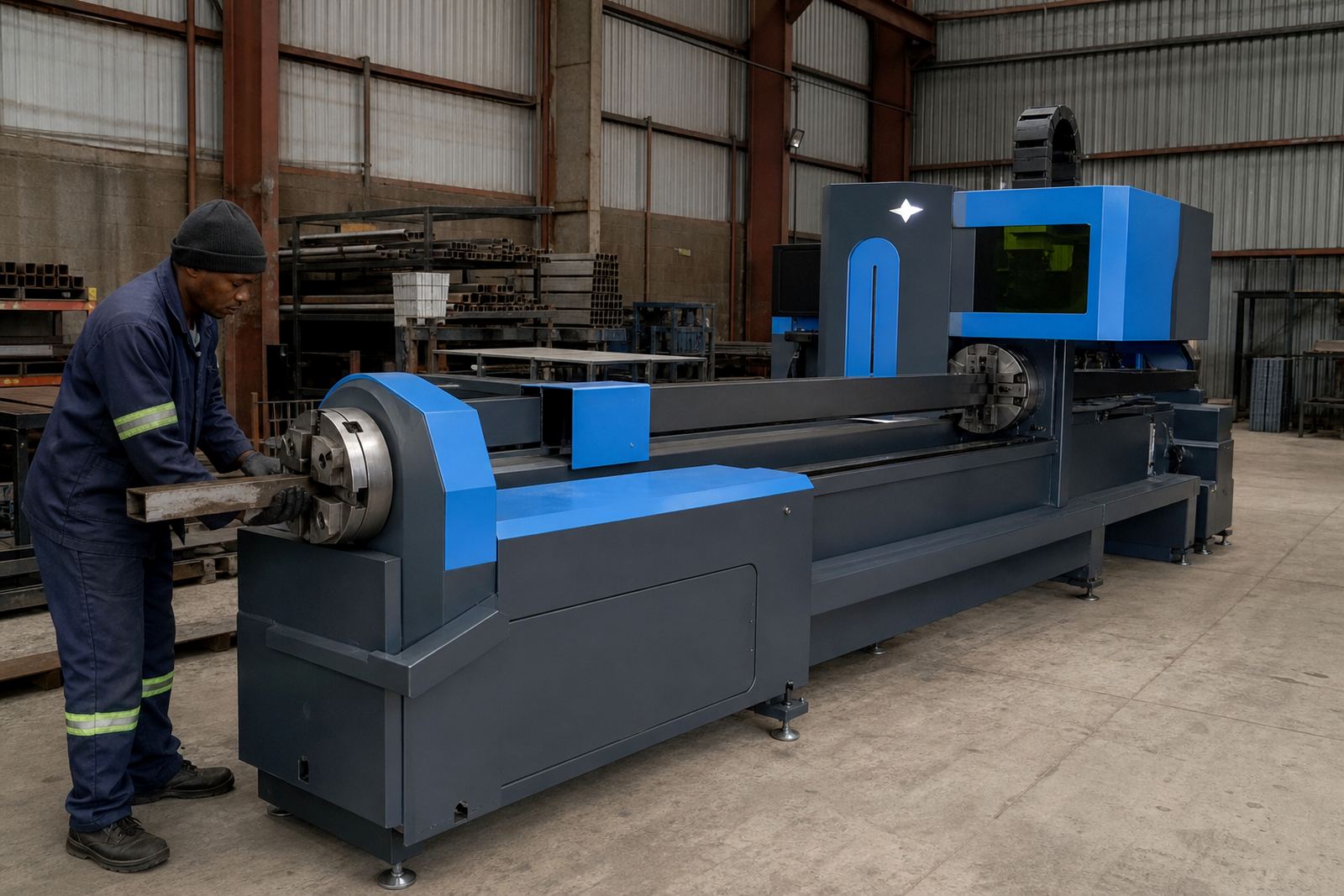
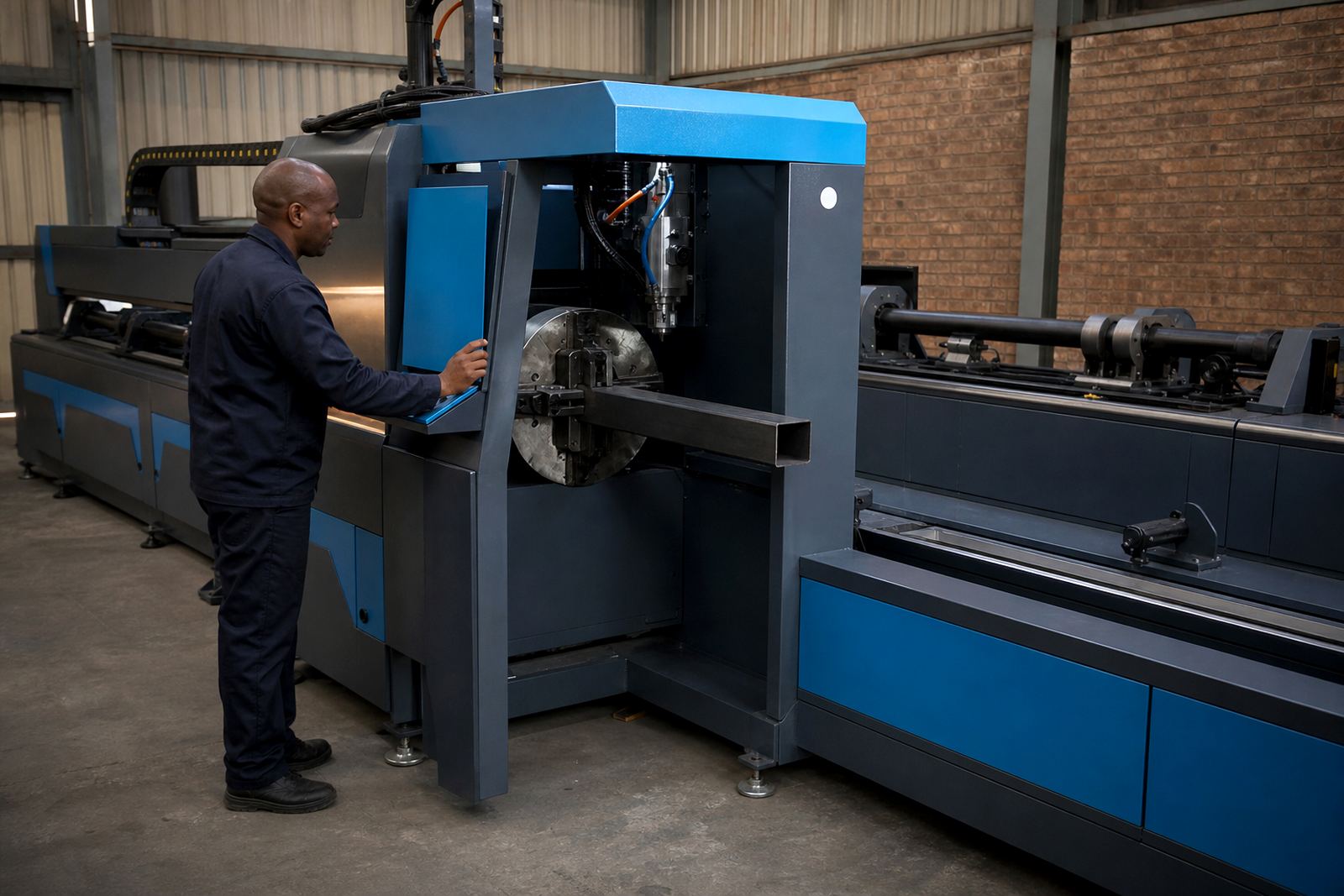
Tube cutting also depends on the chuck setup. The software must account for how the part is held, where the clamp travel sits and how the tube rotates through the cut cycle. That is especially important on longer sections, heavier wall thicknesses and jobs with close feature spacing.
- Check chuck grip length against the part length.
- Confirm bevel direction before loading the batch.
- Review clamp clearance on parts with end holes or slots.
- Run the first part as a measured check before full production.
Assist gas settings and cut quality on tube and profile work
Assist gas selection changes the cut finish, edge condition and dross formation. The right setup depends on material type, thickness and the finish expected on the job. We guide teams through the gas settings so they understand what the machine is doing at each stage, not just what button to press.
For tube and profile cutting, the software profile must also match the gas setup and cut speed. If the feed rate is too aggressive, the edge quality drops and the part may need rework. If the settings are too cautious, production slows for no real gain. We help set a practical middle ground for the material mix in your workshop.
That work is especially useful for fabricators handling mixed jobs across Johannesburg, Cape Town and Gqeberha, where one machine may cut mild steel tube in the morning and profiles with different wall thickness later in the day.
Training the team to read, edit and release files
Software help works best when the operators can use the same logic on the next shift. Our training covers the everyday steps that keep jobs moving: opening the file, checking the material, confirming the section, inspecting the nest and releasing the programme to the machine. We keep it practical, with examples that match real workshop work.
We also train the team to pick up problems before cutting begins. A missing feature, a wrong orientation or a poor remnant choice is easier to fix on screen than on the machine bed. That is the difference between a controlled job and a pile of parts needing touch-up.
- Read the drawing and compare it with the stock list.
- Check revision notes before loading the programme.
- Inspect the first part against the cut file.
- Store approved files in a clear folder structure.
When the software issue points to the machine
Sometimes a nesting problem is not really a software problem. A part may look wrong because the chuck needs alignment, the bevel head needs calibration, the assist gas setup has drifted or the machine needs a service check. We look at the full picture so your team is not chasing the wrong fault.
LaserTube supports workshops from Wadeville across South Africa, including Bloemfontein and Nelspruit, with installation, operator training and practical service support for fibre laser tube and profile cutting machines. If the file, the machine and the material all line up, the job becomes much easier to run on the floor.