
Start with the tube shapes and job mix
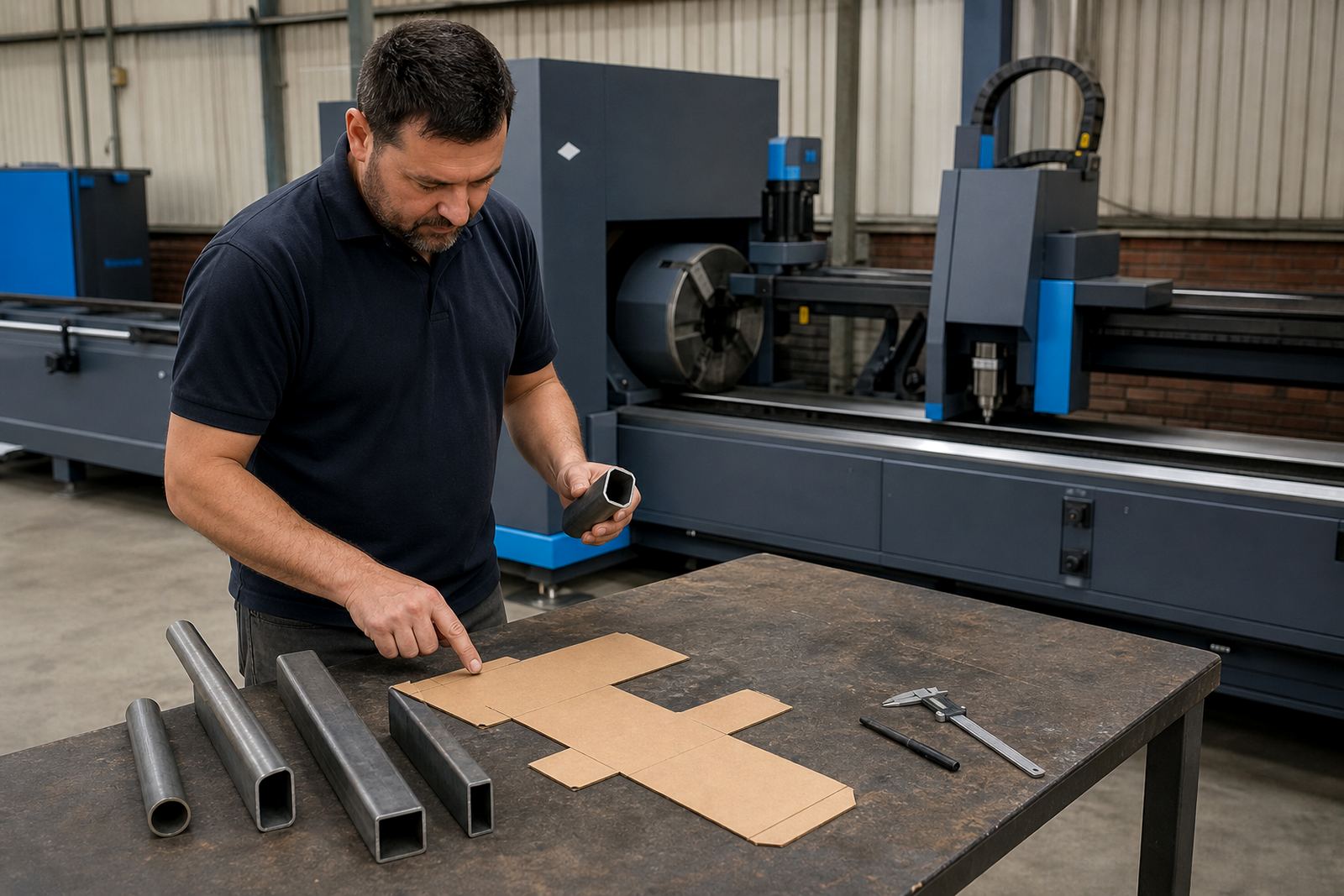
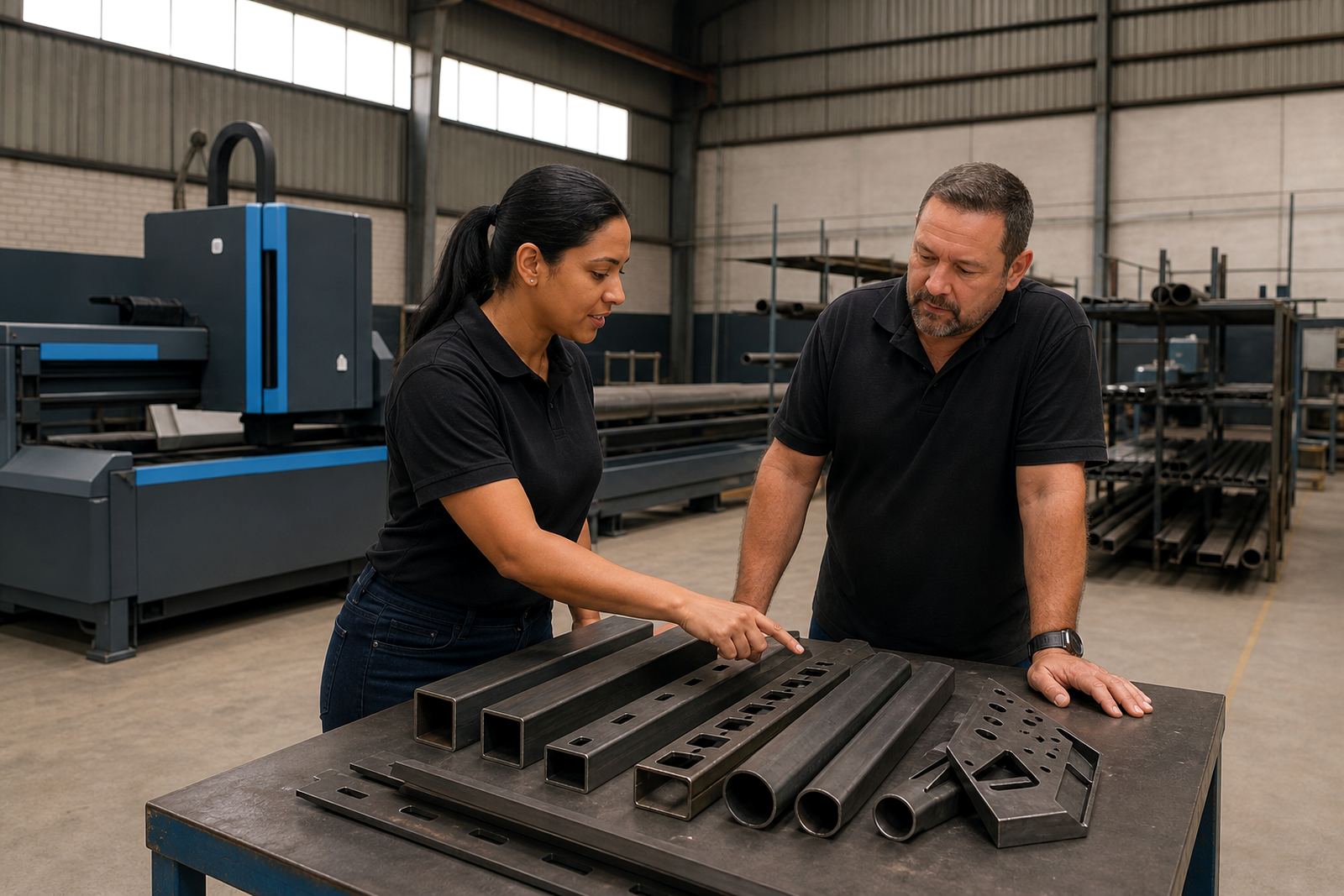
Ask how the software handles round tube, square tube, rectangular tube, angle and channel in the same job flow. A shop that cuts small brackets in one shift and long structural members in the next needs clear control over part orientation, clamp clearance and where the cut starts on each profile.
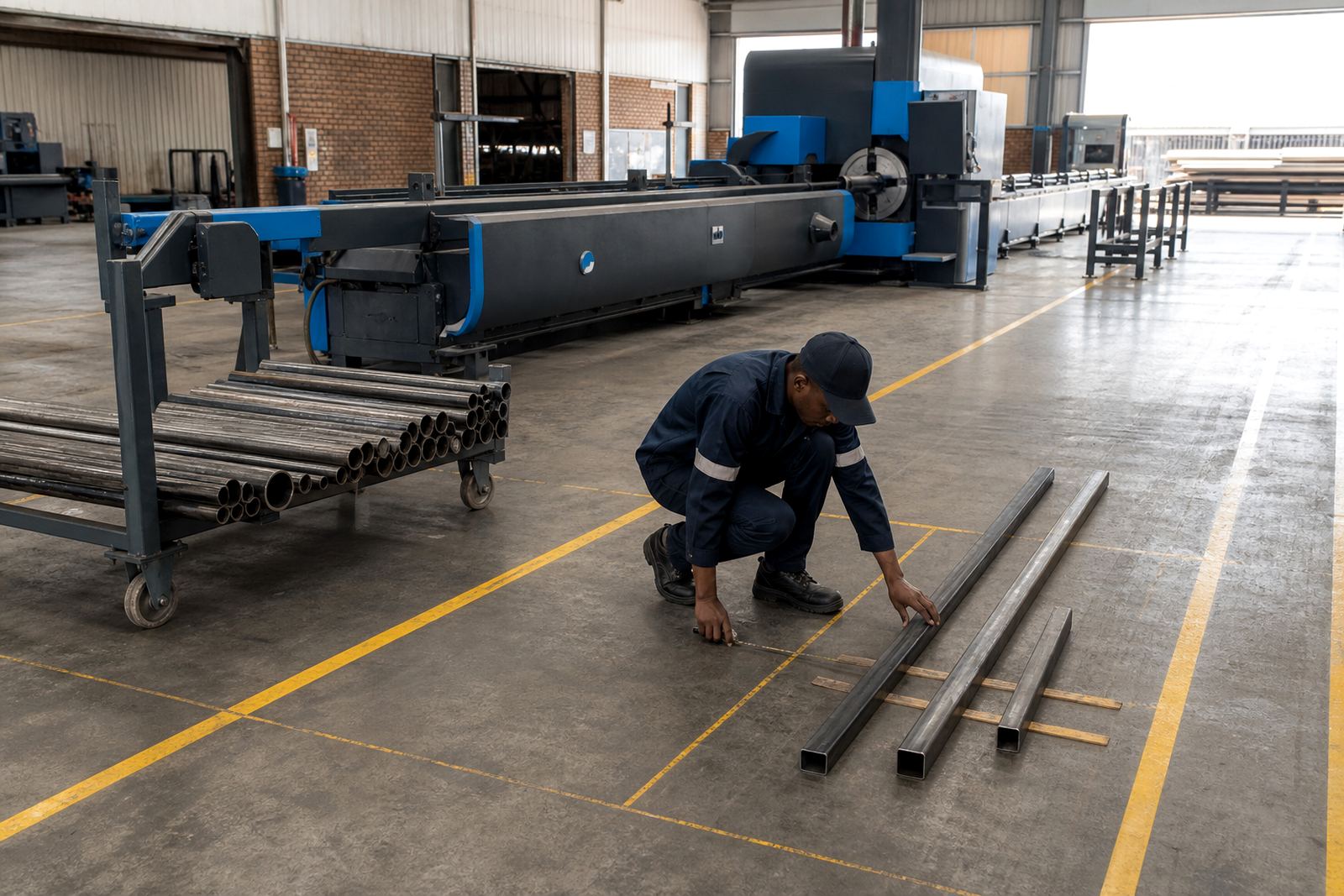
For Wadeville fabricators, that matters when material arrives in mixed lengths and the workshop wants to keep remnant stock usable. A good package should show the tube length, the usable cut zone, and the part position before anyone sends the programme to the machine.
- Can it manage mixed profile shapes in one nest?
- Does it show clamp and chuck clearance before cutting starts?
- Can the operator see the cut order on screen?
- Does it suit both short runs and repeat jobs?
Questions on nesting that save material
Nesting is not only about fitting parts onto a length of tube. It also affects scrap control, cut order, and how much usable offcut remains for the next job. Ask whether the software nests by length, by material grade, by diameter or by wall thickness, because the wrong grouping can leave odd remnants that never get used.
When your fabricator works with long lengths that move by truck from Johannesburg, Durban or Cape Town, the nesting plan should be easy to read on the floor. The operator should know what to cut first, where to stop, and which remnant should go back onto stock racks for later use.
- Can it nest by job, by material, or by tube size?
- Does it recognise remnant lengths for future work?
- Can it warn when a part will waste a full length?
- Is the cut sequence editable by the operator?
Remnant handling without confusion
Good remnant control keeps short offcuts from being forgotten at the back of the bay. Ask how remnants are identified, tagged and measured after a cut. Some workshops need a manual process, while others want the software to store the remaining length automatically and make it available for the next programme.
If you run several shifts or several jobs in parallel, remnant handling becomes a stock issue as much as a cutting issue. A clear screen showing what is left, what is reserved, and what can still be reused helps prevent duplicate purchasing and stops good material from being cut into scrap too early.
- How is a remnant recorded after the cut?
- Can the same remnant be assigned to a future job?
- Does the system keep the remaining length visible?
- Can operators mark damaged or unusable offcuts?
Programme preparation before the first cut
Programme preparation tells you how much time the office spends cleaning up drawings before the tube reaches the machine. Ask whether the software imports common 2D or 3D files, whether it needs manual redrawing, and how it handles holes, slots, cope joints and end cuts. If your work includes bevel heads, ask how bevel data is entered and how the machine confirms the angle before cutting.
You also need to know who prepares the programme. In some plants the design office makes the file, while in smaller shops the operator edits it at the machine. The best setup is the one your team can actually use on a busy floor, not the one that looks neat in a brochure.
- Which file types can be imported?
- Does it need manual cleanup before nesting?
- Can bevel angles be set and checked clearly?
- Who is allowed to edit the job file?
Operator training should match the screen
Training only works when it reflects the software the machine actually uses. Ask what the operator learns first: loading a tube, selecting a nest, checking clamps, setting gas, or saving a completed job. The screen should make sense to the person standing at the machine, not only to the person who bought it.
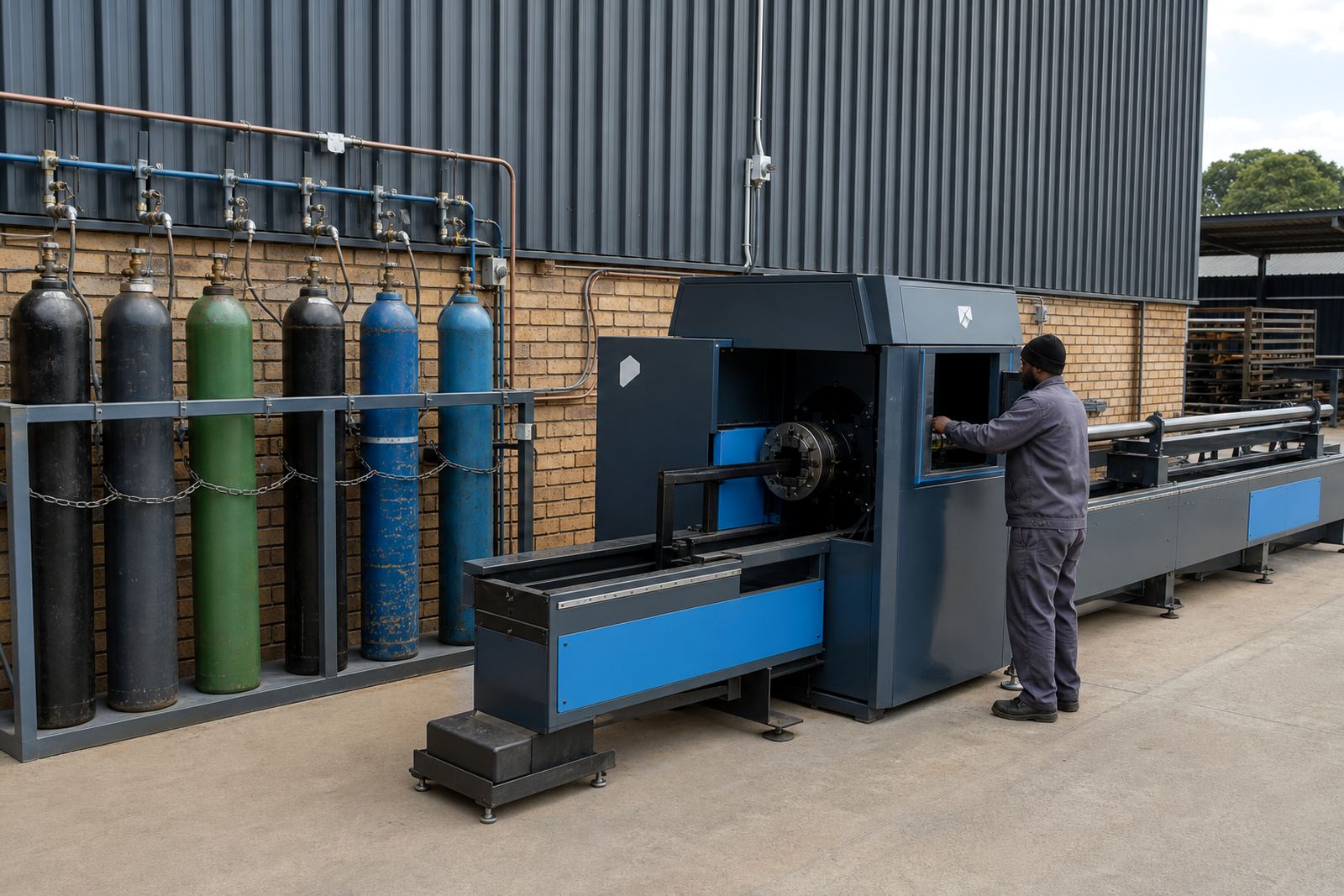
At our Wadeville base, we see that the best training covers the same routines every day: choosing the right nest, checking for clashes, confirming assist gas, and storing the programme for later use. That is where fewer mistakes happen, especially on first-time users and mixed-skill teams.
- Does training cover programme loading and editing?
- Are the nesting screens shown on the real machine?
- Will operators learn how to save and reuse jobs?
- Is there support for more than one shift?
What to ask about support after installation
Software questions do not stop when the machine is switched on. Ask how remote diagnostics work, who checks nesting errors, and how often programme backups are made. If your team uses different products in Johannesburg, Pretoria and Gqeberha, you want one clear method for file storage so jobs do not disappear between shifts or sites.
Also ask how the machine handles updates to nesting rules, chuck settings and bevel calibration. A shop that changes material types often needs a service team that can review the setup, check alignment and keep the software tied to the real work on the floor.
- How are programme backups stored and recovered?
- Can support review nesting or cutting faults remotely?
- Are software changes tracked for each machine?
- Who checks the setup after the first jobs run?