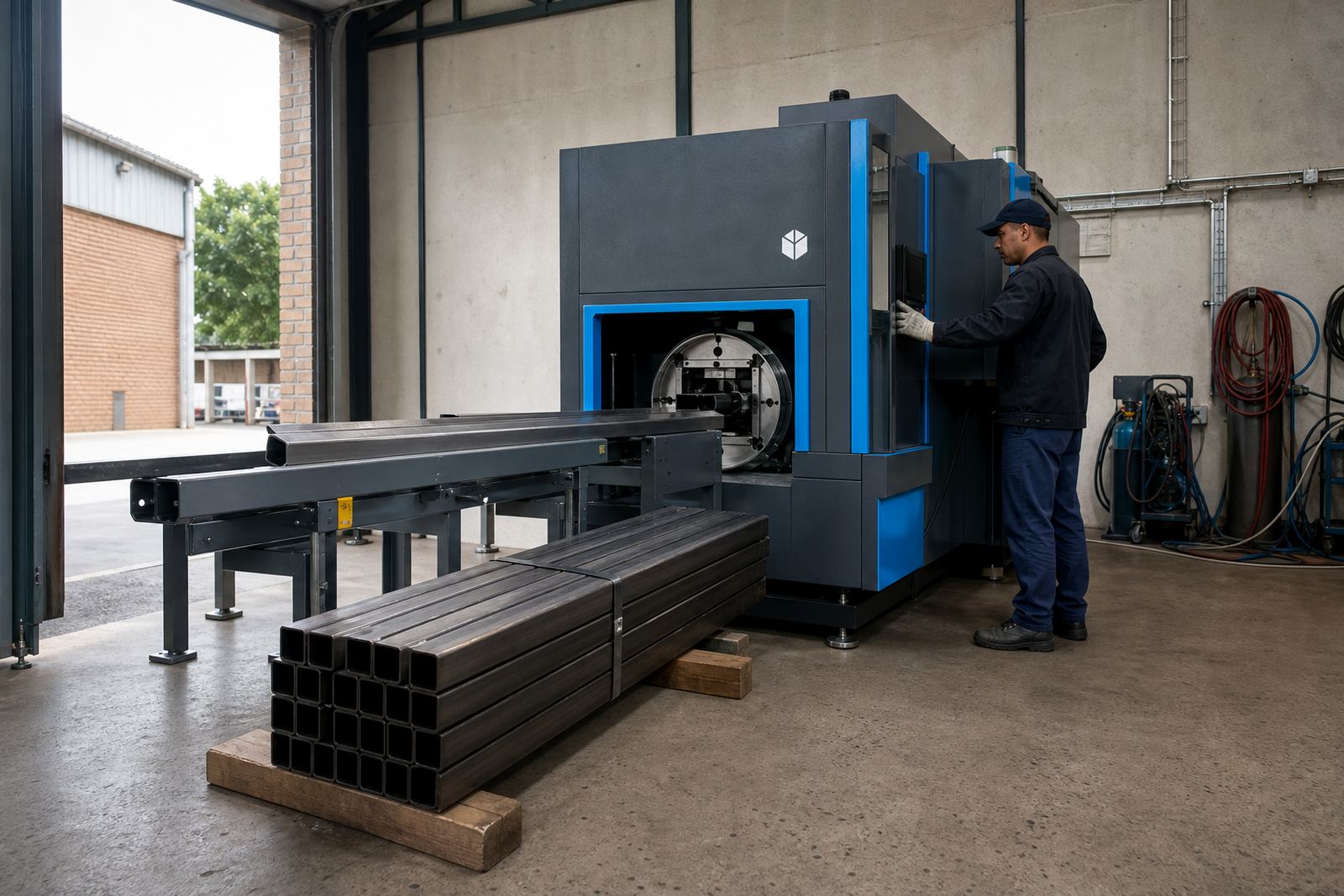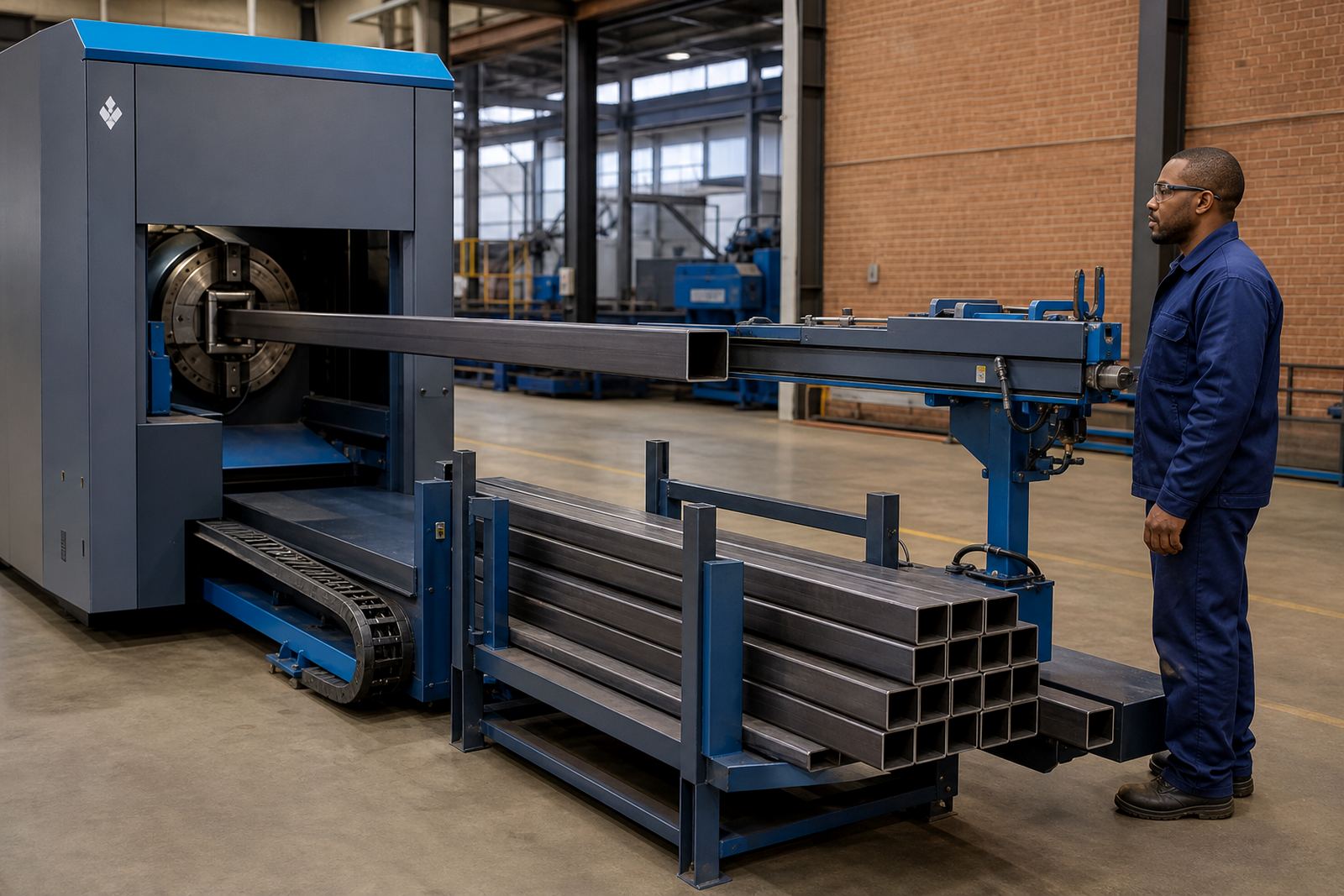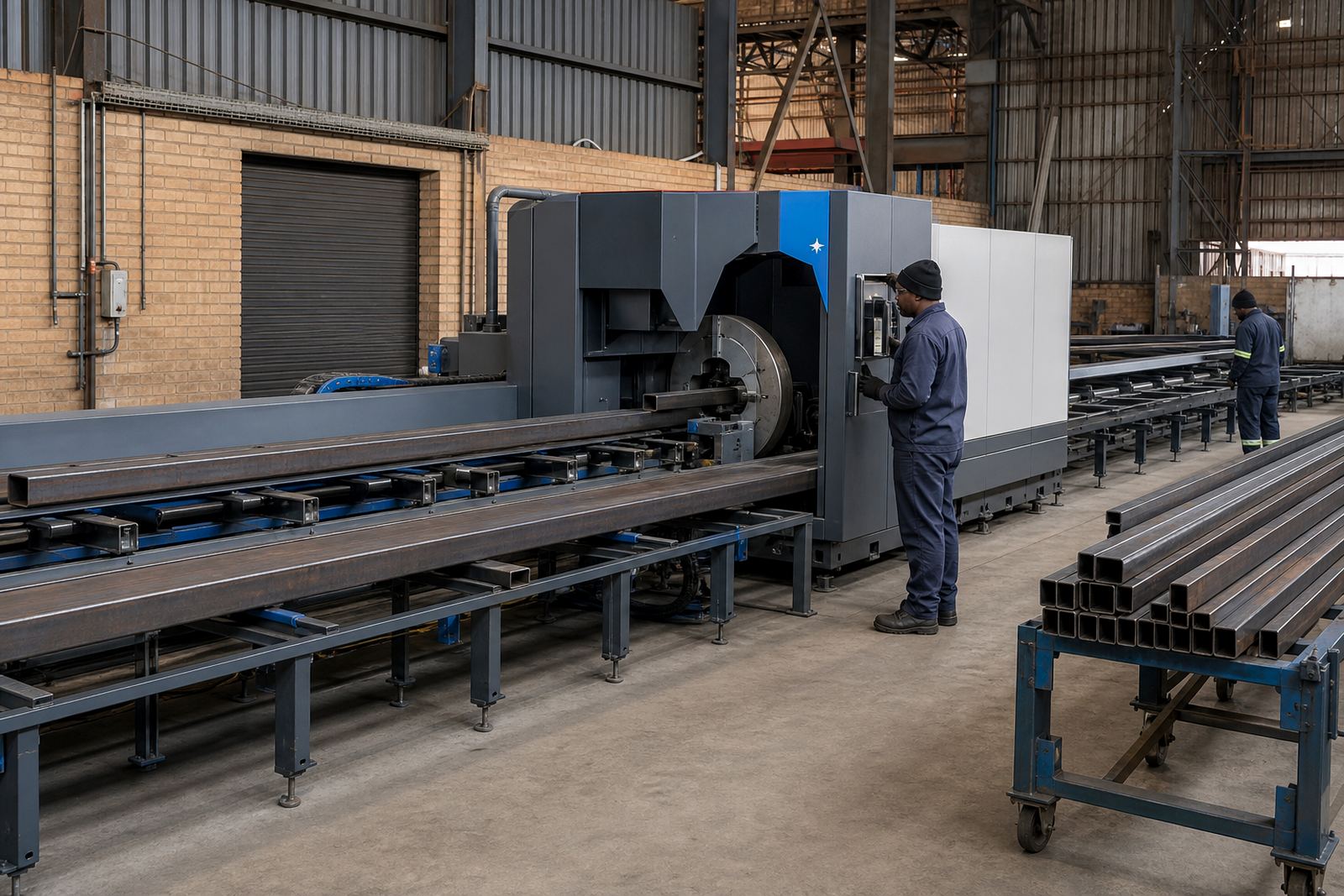

Layout control for tube and profile jobs
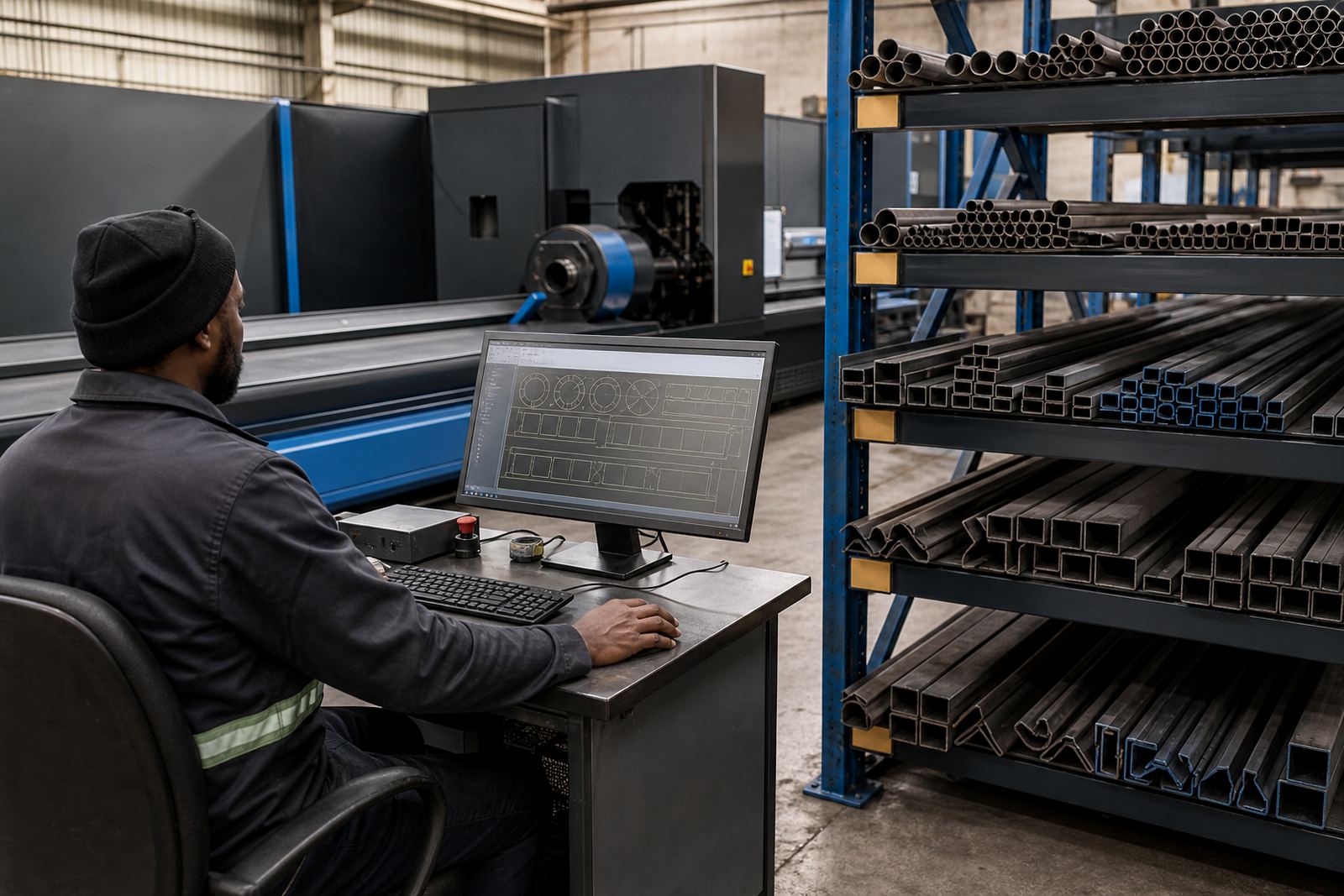
The Nesting Station is a software and workstation package used before the machine starts cutting. It holds the job data, organises parts on the tube or profile length, and helps the operator work with remnant lengths, batch counts and part orientation. On fibre laser tube cutting lines, that matters when a job includes mixed lengths, repeated parts, tight hole positions and different wall thicknesses on the same schedule.
In practice, the station is used to prepare round, square and rectangular tube jobs, plus angle and channel parts where the machine and cutting head allow the geometry. It also helps when a fabricator needs clear part labels, better sequence control and cleaner use of stock lengths. The operator can load the cut list, check the nesting pattern, and keep the job set up in a way that matches the material on hand.
What the package normally includes
Packages are set up to suit the shop floor, the drafting office, or a machine room beside the cutter. A basic system may cover part import, nesting, remnant tracking and output for the machine controller. A fuller workstation can include a larger screen, mouse and keyboard, dedicated processing hardware and backup storage for jobs and libraries.
- Nesting software for tube and profile layouts
- Workstation computer with suitable processing capacity
- Large monitor for easier viewing of tube rotations and cut paths
- Keyboard and mouse for office or machine side use
- Job library storage for recurring parts and standard profiles
- Network connection for transfer to the cutting machine or office server
Options can also include operator profiles, remnant libraries, part reporting and barcode or label output where the factory uses those steps. Some fabricators want a compact station next to the machine, while others prefer it in the planning office close to drawing, quoting and production control.
Where the station earns its place on the floor
This package suits job shops that cut short runs, production plants pushing repeat work, and contractors handling mixed structural items. In Johannesburg and Pretoria it often supports general fabrication, balustrade work, vehicle fitments and municipal contract parts. On the coast, in Durban, Cape Town and Gqeberha, it helps teams manage stainless and mild steel orders with tighter control over traceability and nesting from one shift to the next.
It is useful wherever a laser tube cutter must move quickly between diameters, section sizes and different part families. The station helps reduce guesswork when the job list includes round tube frames, square section assemblies, rectangular rails and channel supports. Where offcuts are valuable, the remnant screen and part sequencing can save useful stock lengths for follow-on work, if the shop keeps that material properly marked.
- Metal fabricators running mixed structural and precision jobs
- Tube cutting shops using round, square and rectangular stock
- Factories that want clearer part order for downstream bending or welding
- Operations with repeat jobs that need stored nesting patterns
- Teams tracking offcuts for later use in similar work
Installation fit and workshop set-up
Fitting the station starts with the way your cutting line is laid out. Some sites need the workstation close to the cutter for quick job release, while others want it near the engineering office where drawings and revisions are handled. Power supply, network points and physical counter space need to suit the room, and the screen must be positioned so operators can read the tube layout without strain.
When the station is tied into a fibre laser tube cutting line, the software side must match the machine format, the post-processing needs and the operator workflow. If the machine uses automatic loading, chucks, a bevel head or a separate profile cutting function, the nesting output has to be set up to suit that process. The setup should also reflect how the shop deals with assist gases, part marking, sorting and finished bundle counts.
- Power point and clean network access for the workstation
- Space for screen, keyboard and printed job sheets if used
- Machine file format matching the cutter controller
- Job naming system that fits your production records
- Operator access levels where more than one person loads jobs
How to keep the station steady and accurate
Care is mostly about keeping the workstation clean, the software current and the job library in order. Dust from grinding, rust scale and oily hands can shorten keyboard life and make a screen harder to use. In coastal towns, salt air can add to wear on connectors and exposed fittings, so the station should be kept dry and wiped down regularly.
Backups matter when a busy shop stores repeat nests, remnant records and machine setup files. The software library should be checked when sheet or tube sizes change, or when a new operator needs different access rights. If the station is linked to a cutter that uses nested remnant parts, the remnant naming system should stay consistent, otherwise useful stock gets lost in the shuffle.
- Clean the screen, keyboard and mouse area daily in dusty shops
- Back up nesting files and remnant records on a set routine
- Keep job folders named in one clear format
- Check updates when machine output or controller settings change
- Review user access after staff changes or role changes
Details to confirm before ordering
Before a Nesting Station is supplied, it helps to confirm the machine model, the tube and profile range, and how the shop wants to use remnants. The software has to suit the cutter output, the operator skill level and the number of people sharing the same system. If the shop works with bevel cuts, mixed sections or multiple shifts, those points should be set out early so the package fits the real workflow.
Other useful details include screen size, whether the station sits beside the machine or in the office, and whether it must connect to an existing network or file server. It also helps to note if the shop needs training on layout logic, part sequencing, job imports or remnant recovery. For fabricators in Wadeville, Germiston and the wider Gauteng belt, the final setup often depends on how close the nesting work sits to cutting, dispatch and quality control.
- Tube and profile sizes handled on the machine
- Expected file format from drawing or programming software
- Need for remnant tracking and repeat job libraries
- Workstation location in office or machine area
- Any training needed for new operators or supervisors
- Whether the line includes bevel heads, chucks or special loading gear
Specs for the Nesting Station package
The package can be matched to the size of the cutting department and the way jobs move through the workshop. A compact system may suit a small job shop, while a higher-spec workstation is better for larger libraries, heavier nesting files and more than one user on the same network. The final fit depends on the machine controller, the amount of part data and the speed the team needs when changing between jobs.
It is common to build the package around one primary user with controlled access for others, especially where the same station also handles job checking and remnant follow-up. If the shop uses assist gases, mixed tube grades or frequent profile changes, the nesting workflow should be set up to support those production habits rather than forcing a generic pattern.
Key facts
| System type | Nesting software and workstation package for tube and profile cutting |
|---|---|
| Primary use | Part layout, remnant use, sequencing and job release |
| Material range | Round tube, square tube, rectangular tube, angle and channel |
| Workstation format | Office or machine-side setup with screen, keyboard and mouse |
| Integration | Output matched to fibre laser tube cutter controller and file format |
| Options | Remnant tracking, label output, user access control and training |